
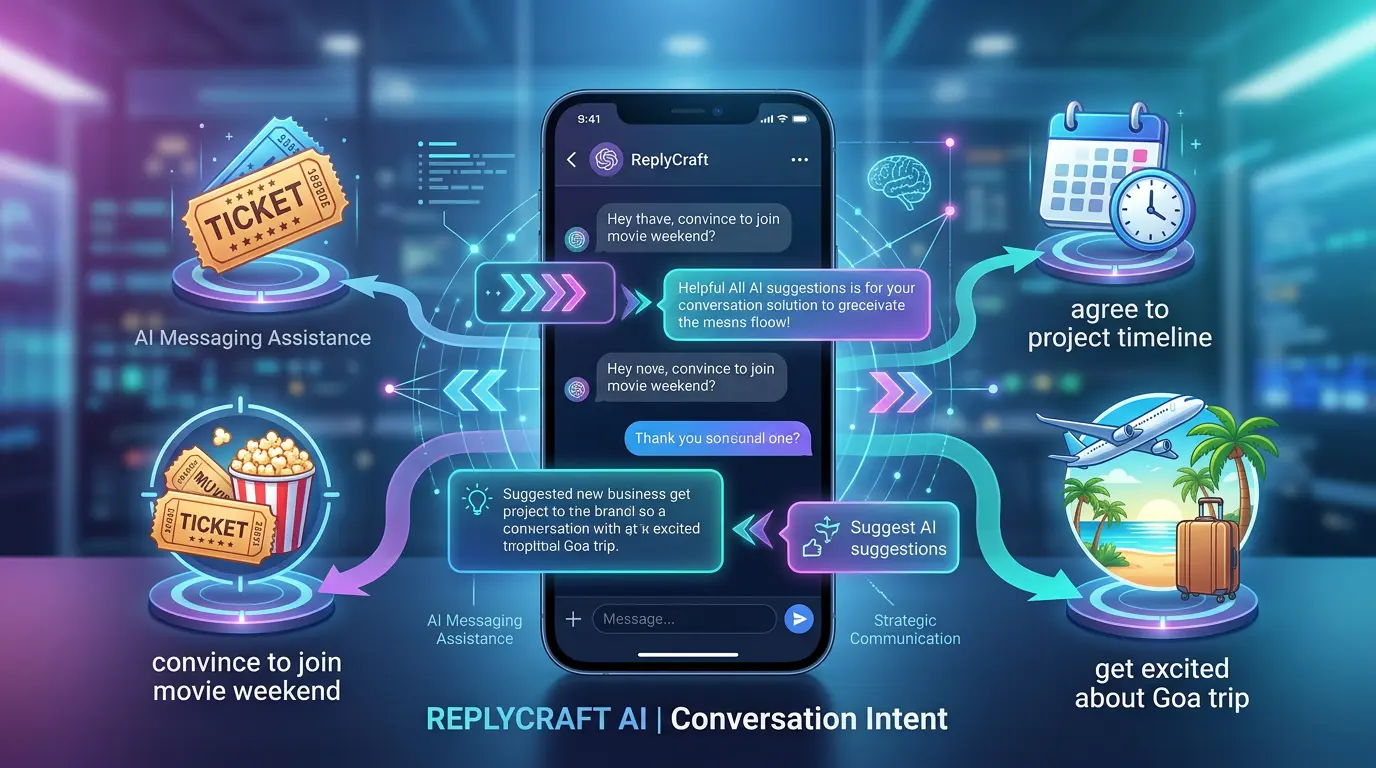
You know exactly what you want from this conversation. You want your friend to come to that movie this weekend. You want your client to agree to the timeline. You want your roommate to finally say yes to splitting the grocery bill.
The goal is crystal clear in your head. But the moment you start typing, it falls apart.
You sound too eager. Or too passive. Or weirdly formal. You delete the message, rewrite it, delete it again, and eventually send something so vague that the other person has no idea what you actually wanted.
We’ve all been there.
The real problem isn’t knowing what you want — it’s knowing how to get there
Think about the last time you tried to convince someone of something over text. Maybe it was:
- Getting a friend to join a weekend trip they were on the fence about
- Nudging a client toward signing off on a proposal
- Asking someone out without making it weird
- Convincing your team to try a different approach
In person, you’d read the room. You’d adjust your tone, crack a joke, back off when needed, and circle back at the right moment. But over text? You’re flying blind. You can’t hear their voice. You can’t see their face. All you have is words on a screen — and the pressure to pick the right ones.
That’s why we built Conversation Intent.
What is Conversation Intent?
It’s a new feature in ReplyCraft AI that lets you set a goal for any conversation. Think of it as telling the AI what you’re trying to achieve — in plain, simple words.
Open a contact, set your intent, and every reply suggestion the AI generates will subtly work toward that goal.
Your intent could be anything:
- “Convince her to come for a movie this weekend”
- “Get him to agree to the March deadline”
- “Ask if she wants to grab coffee without being awkward”
- “Persuade the team to try the new vendor”
You describe it in your own words (up to 100 words), and the AI takes it from there.
How it actually works
Here’s the important part: Conversation Intent doesn’t make the AI pushy. It makes it strategic.
When you set an intent, the AI reads every incoming message in context — not just the words, but the vibe. Is the other person open to the idea? Hesitant? Flat-out not interested?
Based on that, the AI adjusts its approach:
- If they seem open — the AI leans in, making the ask feel natural and easy to say yes to.
- If they’re on the fence — the AI addresses their hesitation without being aggressive.
- If they’re clearly not interested — the AI backs off gracefully. No guilt-tripping, no repeated asks, no cringe.
The goal is to help you navigate toward what you want without damaging the relationship. Because nobody likes that friend who won’t take no for an answer.
Real examples
Let’s see this in action.
Example 1: The movie invite
Your intent: “Convince her to come for a movie this weekend”
Message you receive: “Not sure I’m free this weekend”
AI-suggested reply: “No pressure! But there’s this movie I’ve been dying to see — thought it’d be fun together 🎬”
See what happened? The AI acknowledged her hesitation (“no pressure”), kept it light, and planted the seed without pushing. If she says no again, the next suggestion won’t bring it up.
Example 2: The project timeline
Your intent: “Get him to agree to the project timeline”
Message you receive: “I think we need more time”
AI-suggested reply: “I hear you. What if we keep the deadline but I take on the documentation portion?”
Instead of pushing back with “we don’t have more time,” the AI found a compromise that moves toward your goal while respecting the other person’s concern. That’s the kind of reply that actually works.
Example 3: The trip pitch
Your intent: “Get the group excited about the Goa trip in May”
Message you receive: “Idk, flights are expensive right now”
AI-suggested reply: “Fair point — I actually found some decent fares for under 4K. Want me to share the link? No commitment 😄”
The AI didn’t dismiss the concern or ignore it. It addressed it head-on with something useful, keeping the door open without pressuring anyone.
How to set it up
Setting a Conversation Intent takes about five seconds:
- Open ReplyCraft AI
- Go to your Contacts
- Tap the contact you want to set an intent for
- Hit the menu (three dots) → Set Intent
- Type your goal in plain language → Save
That’s it. You’ll see a small pink “Intent” dot in the app bar whenever that contact’s intent is active. You can update or remove it anytime.
When should you use it?
Conversation Intent works best when you have a specific, short-term goal with someone. Here are some good use cases:
- Social plans — getting people to commit to events, trips, or hangouts
- Work negotiations — steering a conversation toward agreement on timelines, budgets, or scope
- Personal asks — requesting favors, bringing up sensitive topics, or having difficult conversations
- Relationship moments — asking someone out, planning something special, or addressing an issue
It’s not meant for every conversation. Your everyday “what’s for dinner” texts don’t need an intent. But for the messages that actually matter — the ones where you find yourself staring at the screen for five minutes — it’s a game-changer.
It’s about better conversations, not manipulation
Let’s be clear about something: Conversation Intent isn’t a manipulation tool. It won’t help you trick people or override their boundaries.
What it does is help you communicate more effectively. It takes the goal that’s already in your head and helps you express it in a way that’s natural, respectful, and actually likely to work. The same way a good friend might coach you on what to say — except it’s available instantly, every time.
Try it yourself
Conversation Intent is available now in ReplyCraft AI. Download it, set a goal for your next tricky conversation, and see how it feels to have AI in your corner — not putting words in your mouth, but helping you find the right ones.